What job does each network control do?
Each control handles a different decision about traffic, which is why one device rarely covers every requirement. A firewall can reject an unwanted connection; a WAF can inspect a web request carried inside an allowed connection. A VPN can protect traffic to a gateway while access rules still decide what the user may reach.
Scroll sideways to see every column.
| Control | Main job | Where to look in a scenario |
|---|---|---|
| Firewall | Allow or deny traffic under policy | Connections, addresses, ports, state or application rules |
| VPN | Protect traffic through a tunnel | Remote access or site-to-site communication |
| Forward proxy | Make requests on clients’ behalf | Outbound browsing and client access policy |
| Reverse proxy | Receive requests for backend servers | Inbound service access, routing and TLS termination |
| WAF | Inspect web application requests | HTTP requests and application attack patterns |
| Segmentation | Separate systems and control crossings | User, server, management and sensitive-data zones |
How do a firewall and a WAF differ?
A firewall controls network traffic under its rules, while a WAF focuses on web application requests. Traditional packet and stateful firewalls use details such as addresses, ports and connection state. Some modern firewalls also inspect applications.
A WAF might detect a SQL injection pattern in an HTTP request that arrived through an allowed HTTPS service. OWASP’s WAF explanation describes its application-layer role. If inspection needs readable HTTPS requests, TLS must terminate where they can be inspected or another suitable design must provide that visibility.
Allowing HTTPS on a firewall doesn’t fix an application that trusts unsafe input. A WAF is one protection layer; secure application code, patching and access controls still matter. NIST’s firewall guidance gives the policy and placement context.
When checking protected traffic, distinguish encryption, hashing and encoding rather than relying on how a value looks.
Where do forward and reverse proxies sit?
A forward proxy acts for clients making outbound requests, while a reverse proxy acts in front of servers receiving inbound requests. A company browsing proxy can enforce outbound policy. A reverse proxy can route website requests to backend services and terminate TLS.
A reverse proxy and a WAF can be combined, but the names don’t mean the same thing. Proxy describes the intermediary role; WAF describes web-security inspection. A reverse proxy that only routes requests doesn’t automatically supply a WAF policy.
For encrypted traffic, identify where TLS begins and ends. If a reverse proxy decrypts traffic and opens another connection to the backend, protection of that second connection is a separate design choice.
TLS termination depends on the session’s keys and cryptographic operations, so label each connection in the design.
How does a VPN fit into access control?
A VPN protects a tunnel between its endpoints; access control determines what an authenticated user can do after connecting. An employee can authenticate to a remote-access VPN yet still be denied access to a database network.
A site-to-site VPN links network locations. Remote-access VPNs connect users or devices to a gateway. Traffic beyond the tunnel endpoint needs its own protections. Split tunnelling also means some client traffic travels outside the VPN.
A compromised laptop doesn’t become trustworthy because its traffic is encrypted. Device checks, least privilege, endpoint protection and logging remain useful. Keep the tunnel’s confidentiality job separate from authentication and authorization.
A compromised account obtained through phishing or credential reuse can still use an encrypted tunnel.
What does segmentation add to the design?
Segmentation reduces unnecessary paths between systems, helping restrict exposure and lateral movement after a breach. A web server might need to reach a database service, while an ordinary user workstation should have no direct path to that database.
A VLAN creates a logical network separation, but controls at the boundary must enforce the intended policy. Inter-VLAN routing that allows everything can reconnect systems you meant to isolate. Use suitable ACLs, firewalls or other policy enforcement at crossings.
Microsegmentation applies finer access rules, potentially between individual workloads. The aim is to permit required communication without granting broad access to a whole environment.
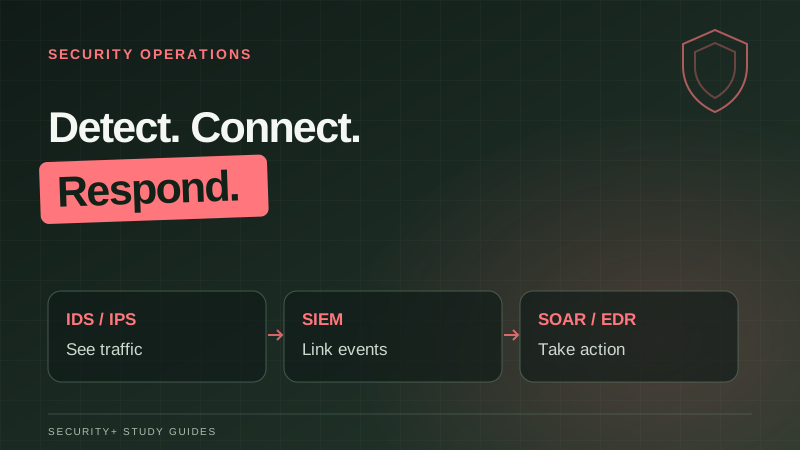
To see suspicious movement between zones, consider network sensors, SIEM correlation and endpoint evidence alongside the access rules.
To validate a path or investigate whether it was used, distinguish penetration testing from threat hunting.
- 01Perimeter firewallPermit only required inbound services
- 02Reverse proxy + WAFRoute and inspect web requests
- 03Web application zoneRun the application with narrow permissions
- 04Database zoneAccept only authorised application paths
How do I solve a question that mentions all these controls?
Solve it by tracing the connection and naming the missing control at the point where the problem occurs. Unexpected access between server zones points to segmentation policy. A malicious web request points to application inspection and application security. Exposure of remote-access traffic points to tunnel protection.
For an original design example, let a public client reach the approved web service, let the app reach its database on the required service, and deny direct public access to the database. Put administration on a separate approved path with its own authentication and access checks.
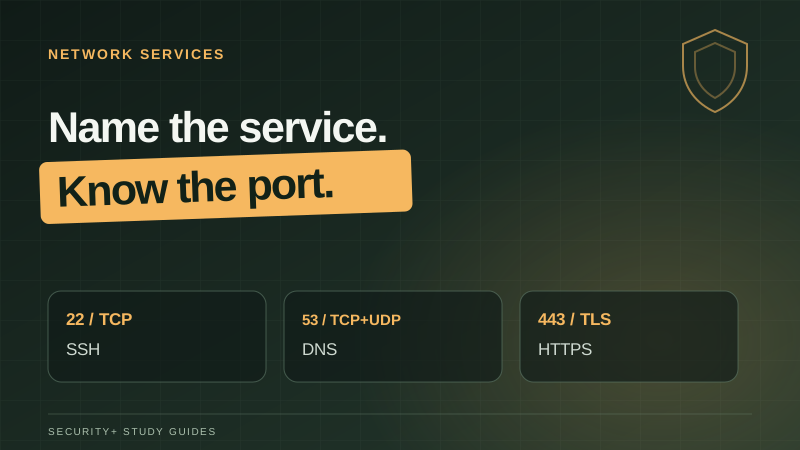
Use ports and protocols to translate that policy into rules without widening access unnecessarily.
Before changing rules for an important service, understand its recovery targets and potential loss.
Practise tracing the allowed and forbidden paths in an original performance-based exercise.